How to Use Aside Computer Use: 5 Tasks on Mac and iPhone
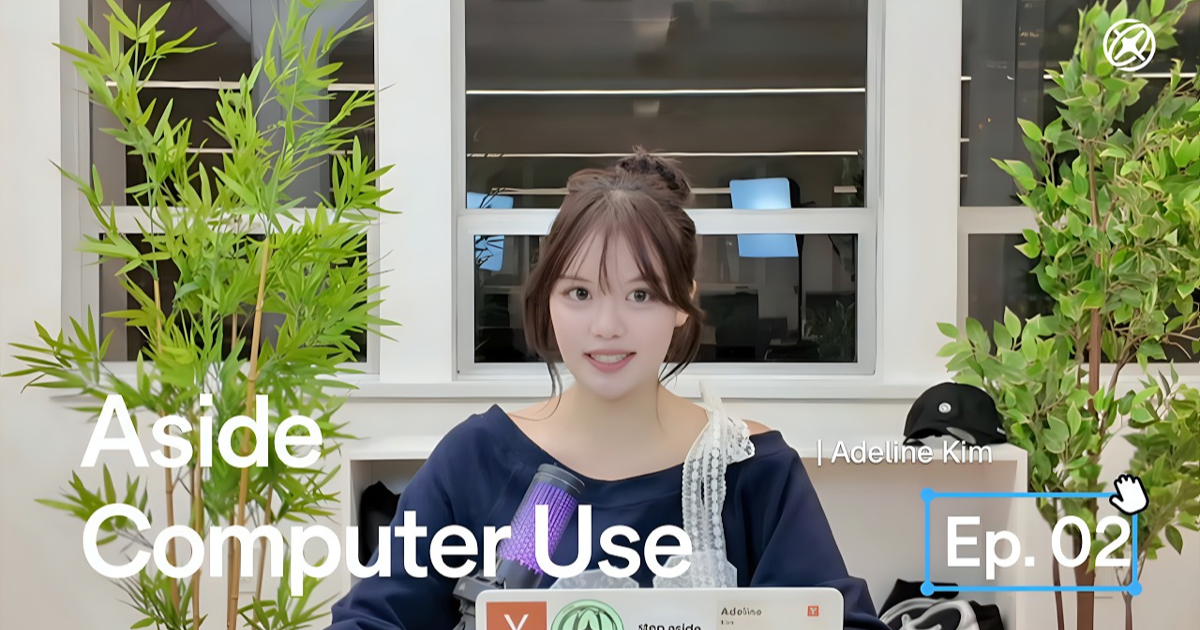
Aside is a personal work assistant that started as a browser. In Ep 02 of our video series, Adeline Kim (@su_adeline_k on X) from our team hands five jobs to Aside Computer Use. Below is each part, with the short answer and the prompt she typed.
- 0:23 How do you turn on Computer Use in Aside?
- 0:35 Can an AI agent use your iPhone apps through iPhone Mirroring?
- 1:03 How do you find out why your Mac is so slow?
- 1:39 How do you test an app in the iOS Simulator with an AI agent?
- 2:27 Can an AI agent edit a video in DaVinci Resolve?
- 3:10 How do you save a task as an agent skill in Aside?
- What questions do people ask about Aside Computer Use?
How do you turn on Computer Use in Aside?#
Open Settings, click Agents and turn on Computer Use. It is off by default and available on every plan, Free included. Once it is on, Aside works as a computer use agent: a task can read and control the apps on your computer. To point a task at one app, type @ and the start of its name.
Aside's Computer Use ranked #1 in Cua Driver Bench, a benchmark run by Scale. If you already use Claude, see Claude Computer Use vs. Aside Computer Use.
Watch this part at 0:23.
Can an AI agent use your iPhone apps through iPhone Mirroring?#
Yes. Aside reaches them through iPhone Mirroring, the Apple app for controlling your iPhone from your Mac. In the video, Aside opens iPhone Mirroring and looks through the Beli app for a restaurant. Start your prompt with "Open my iPhone", then say what you want done.
Open iPhone Mirroring on your Mac first.
Open my iPhone and find a dinner spot on Beli for tonight.
Watch this part at 0:35.
How do you find out why your Mac is so slow?#
Ask Aside to look and report before it changes anything. In the video, Aside opens Activity Monitor and System Settings on her MacBook, then reports what is using memory and what opens at login. After a second prompt, it turns off the login items Adeline doesn't need.
Find out why my Mac is too slow. Check what's using the most memory and which app opens when I log in. Don't change anything yet, just tell me.
Then she sends a follow-up.
Okay, now turn off the ones I don't need.
To have Aside ask before it changes system settings, turn on Final confirm in the task box. It starts off.
Watch this part at 1:03.
How do you test an app in the iOS Simulator with an AI agent?#
Open your app in the iOS Simulator that comes with Xcode and tell Aside which screens to go through. In the video, Aside clicks through the app and lists what breaks, with steps to reproduce it. A second prompt maps each bug to a file and function without changing code.
Sign up on my test account, then click through onboarding, checkout in test mode, and settings. List everything that breaks with the steps to reproduce it, but don't change any code.
She follows up in the same chat.
For each bug on the list, open the project files and tell me the file, the function, and what is wrong, but don't change any code.
For a longer example with a vibe coded app, see how to test and debug a Replit app with an AI agent.
Watch this part at 1:39.
Can an AI agent edit a video in DaVinci Resolve?#
Yes. With Computer Use on, Aside controls DaVinci Resolve like any other Mac app. In the video, Adeline gives it raw footage and a reference YouTube video, and it edits while she keeps working. The blue pointer on screen is Aside's. On a Mac, Aside normally works in the background, so your mouse and keyboard stay yours.
To try AI video editing yourself, attach the raw footage and include the reference YouTube link.
Edit this video like this YouTube video I saw yesterday.
Watch this part at 2:27.
How do you save a task as an agent skill in Aside?#
When Aside finishes a job you will need again, ask in that chat to save it as a skill and give it a name. Aside's built-in skill creator writes the steps to a Markdown file on your computer. In a later task, attach the new file and say the skill's name.
Save this as a skill called weekly edit.
For the next video, attach the new footage and send this.
Weekly edit.
Saved skills are listed under Settings > Plugins & MCPs > Skills > My Skills. Teams write skills for their own procedures too, like the staging QA skill for developers.
Watch this part at 3:10.
What questions do people ask about Aside Computer Use?#
Does Computer Use work on Windows?#
Yes. Aside runs on Windows 11 and Windows 10 22H2 or later. Clicking and typing there bring the app to the front and take over the mouse and keyboard until that step ends. Our guide to the best AI browsers compares which ones work in desktop apps.
Which Mac permissions does Computer Use need?#
Accessibility and Screen Recording. If either is missing when you turn on Computer Use, Aside opens an Enable Computer Use sheet, and you grant both in System Settings > Privacy & Security.
What do I need for iPhone Mirroring?#
Your Mac and iPhone have to meet Apple's requirements: macOS Sequoia 15 or later on a Mac with Apple silicon or the T2 chip, and iOS 18 or later. Both need the same Apple Account with Bluetooth and Wi-Fi on, and the iPhone locked and nearby. It is not available in the European Union.
Can I start a Computer Use task from my phone?#
Yes, by messaging Aside in Slack, Discord or Telegram on Pro or Max. The task runs on your computer, so it has to be on with Aside running. A task started by a routine cannot use Computer Use.
For the browser side, start with Ep 01. Then download Aside and try the slow-Mac prompt first, since it only reports back.